Porchlight Slideshow › Quinceañeras & sweet 16s
Quinceañera & sweet 16 slideshows
Fifteen years of photos for her quinceañera
Her whole childhood, the family who raised her and the friends at her side. Porchlight turns it into a slideshow for the reception, timed to the music.
Free to download and try · $39 once to share your slideshow · Mac & Windows
Making a quinceañera slideshow
A quinceañera or sweet 16 often includes a slideshow during the reception: her growing up, her family, her padrinos and her court. It's made by the family in the busy weeks before the party.
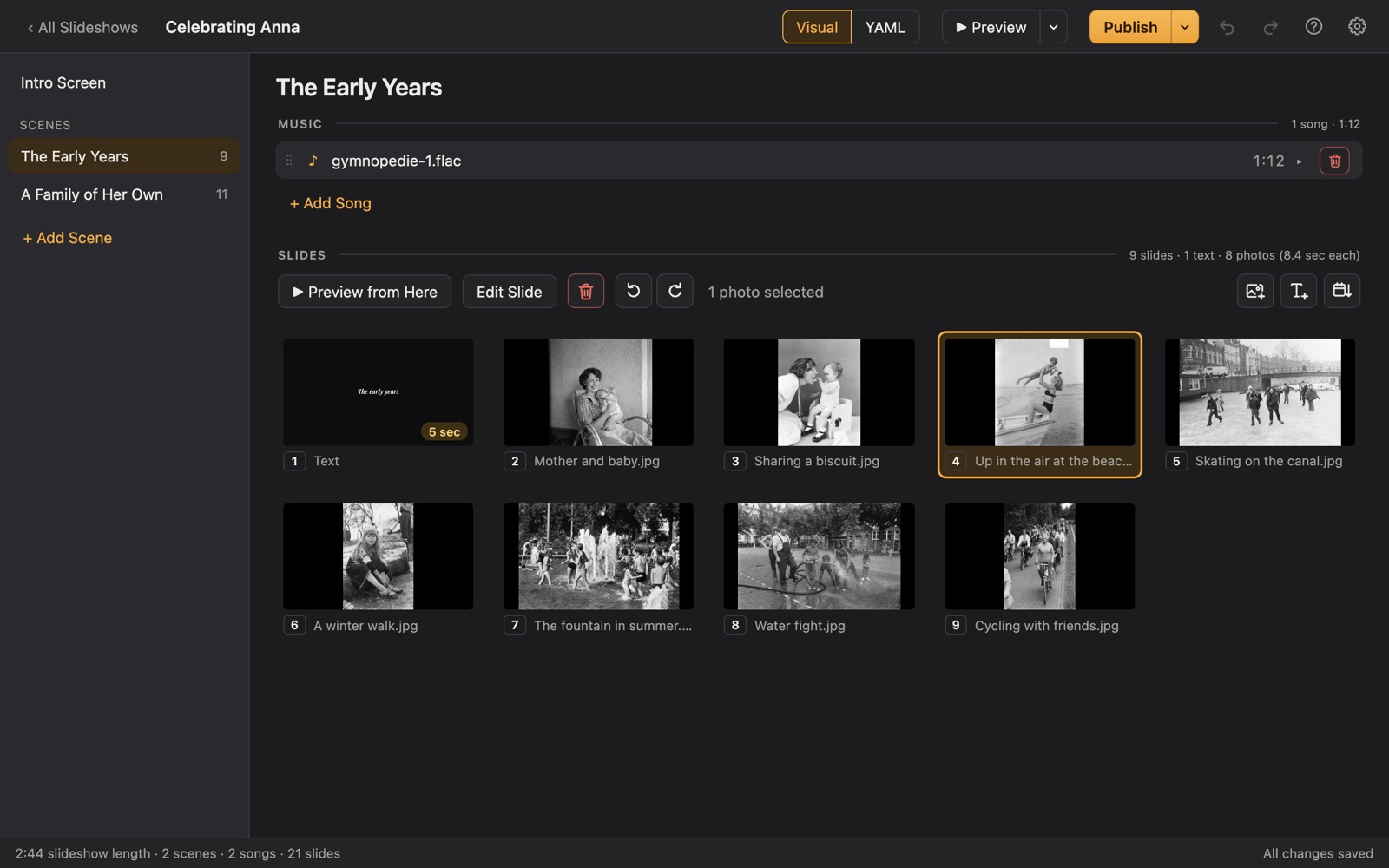
Porchlight makes it easy. Put each part of her story in a scene with its own song, add titles in elegant script, and play it full screen from a USB stick or as a video.
A plan
A plan for a quinceañera slideshow
Each scene gets its own music in Porchlight, so the songs change with the story.
Her name
An opening title with her name in a script font: "Mis XV Años" or "Sweet Sixteen".
Growing up
Baby photos, first communion, school, dance, sports.
Family and padrinos
Parents, grandparents, godparents and the people who made the day possible.
Her court and friends
Damas, chambelanes and best friends.
Gracias
A closing slide thanking everyone for celebrating with her.
Tips
Tips
- Include both English and Spanish titles if the family speaks both; the fonts include accented letters (á, é, ñ).
- Use a waltz or a song from the family's tradition for the family scene.
- Test it at the salon or hall with the DJ ahead of time.
How long should it be?
5 to 8 minutes: about 50 to 90 photos with 2 or 3 songs.
Choosing music for a quinceañera or sweet 16
- Her favorite songs, one for each chapter of her life.
- Music from the family's heritage for the family and padrinos scenes.
- A waltz or a slow song for the closing, before the dance.
Porchlight plays MP3, WAV and FLAC files you have; it doesn't provide music. You're responsible for having the right to use the music and photos in your slideshow, whether you're building, publishing, uploading, playing or sharing it.
How it works
Your quinceañera slideshow in three steps
Drag in the photos
From a folder or the Photos app. Sort them by the date they were taken with one click, or arrange them by hand.
Add the music
Give each scene its songs. Porchlight fits the photos to the music, so the last photo fades out as the last note ends.
Play it anywhere
Put it on a USB stick with the free Player, or save it as an HD or 4K video.
At the party
Give the DJ a USB stick with the free Porchlight Player (Mac or Windows) or an HD video. It waits on the opening title until you press Space.
Questions
Good to know
Does it support Spanish accents?
Yes. The built-in fonts include accented Latin letters, so titles like "Mis XV Años" display correctly.
Is Porchlight Slideshow free?
You can download it free and build and preview your whole slideshow. A one-time $39 license lets you publish it to a USB stick and export it as a video, with no subscription. Porchlight Player, for watching, is always free.
Are my photos uploaded anywhere?
No. Porchlight works entirely on your own computer, with no account and no internet needed.
Start your quinceañera slideshow tonight
Download Porchlight Slideshow free, build your slideshow and preview it full screen. Pay once, only when it's ready to share.
More occasions