Porchlight Slideshow › Christmas & holidays
Christmas & holiday slideshows
Your family's year, for Christmas
A year of phone photos, gathered into a few minutes to watch together after dinner. Porchlight puts them in order by date and fits them to your favorite holiday music.
Free to download and try · $39 once to share your slideshow · Mac & Windows
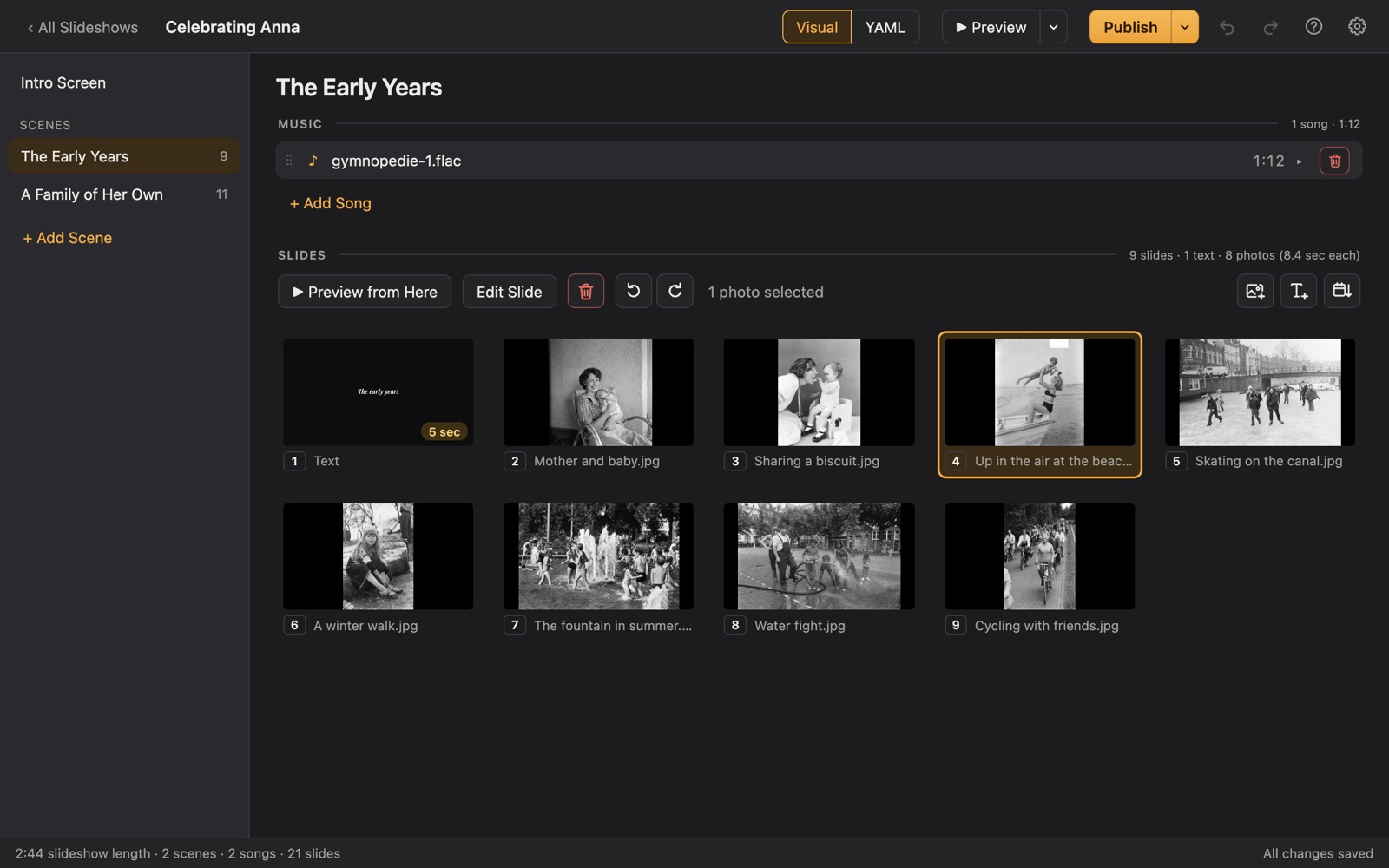
Making a holiday slideshow
Holiday gatherings are when the whole family is finally in one room. A year-in-review slideshow (the trips, the new baby, the new house, the graduations) is a warm way to catch everyone up, and a lovely gift for grandparents.
The same idea works for Thanksgiving, New Year's Eve, Mother's Day and Father's Day. Drag in the year's photos, sort by date, and add a scene for each season or each branch of the family.
A plan
A year-in-review plan
Each scene gets its own music in Porchlight, so the songs change with the story.
Winter
Last Christmas, snow days, New Year's.
Spring
Birthdays, Easter, the garden, graduations.
Summer
Vacations, the beach, camp, the Fourth of July.
Fall
Back to school, Halloween costumes, Thanksgiving.
Merry Christmas
A closing title from your family to theirs.
Tips
Tips
- Pick about 5 photos per month; a year fits in 4 to 6 minutes.
- For Mother's Day or Father's Day, gather photos of them with each child, from then to now.
- Export a video to send in place of (or along with) holiday cards.
- Make it a tradition: one slideshow per year, all on one USB stick.
How long should it be?
4 to 8 minutes: about 40 to 80 photos with one or two songs.
Choosing holiday music
- Carols and hymns, many of them centuries old.
- The songs your family plays every year while decorating.
- A quieter piece for the closing, looking back on the year.
Porchlight plays MP3, WAV and FLAC files you have; it doesn't provide music. You're responsible for having the right to use the music and photos in your slideshow, whether you're building, publishing, uploading, playing or sharing it.
How it works
Your holiday slideshow in three steps
Drag in the photos
From a folder or the Photos app. Sort them by the date they were taken with one click, or arrange them by hand.
Add the music
Give each scene its songs. Porchlight fits the photos to the music, so the last photo fades out as the last note ends.
Play it anywhere
Put it on a USB stick with the free Player, or save it as an HD or 4K video.
After dinner
Play it full screen on the TV with the free Porchlight Player from a laptop, or export a video for a smart TV or to send to family far away.
Questions
Good to know
Can I send it to family instead of a card?
Yes. Export an HD video and send it by email or a file-sharing link. You're responsible for having the right to use the music and photos you share.
Is Porchlight Slideshow free?
You can download it free and build and preview your whole slideshow. A one-time $39 license lets you publish it to a USB stick and export it as a video, with no subscription. Porchlight Player, for watching, is always free.
Are my photos uploaded anywhere?
No. Porchlight works entirely on your own computer, with no account and no internet needed.
Start your holiday slideshow tonight
Download Porchlight Slideshow free, build your slideshow and preview it full screen. Pay once, only when it's ready to share.
More occasions