Porchlight Slideshow › Pet memorials
Pet memorial slideshows
A slideshow for a friend who was family
Losing a pet is losing a member of the family. Gather the photos from your phone, add a song, and make something to watch together and keep.
Free to download and try · $39 once to share your slideshow · Mac & Windows
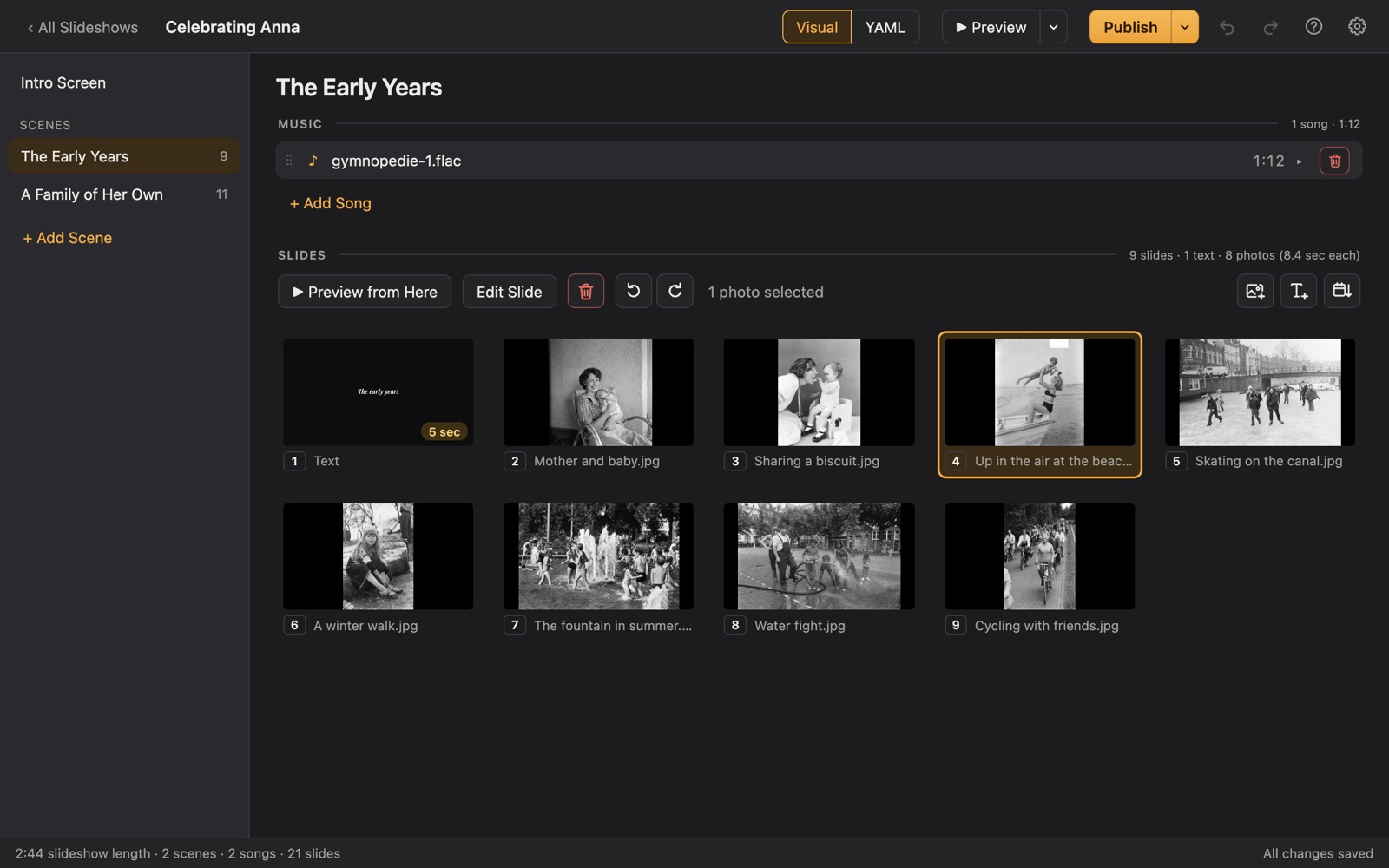
Making a pet memorial slideshow
Most of us have hundreds of photos of our pets, spread across phones and computers. A slideshow gathers the best of them into a few minutes that tell their story, from the first day home to the favorite spot on the couch.
Porchlight sorts phone photos by the day they were taken, so their life falls into order by itself. Export it as a video to share with family and friends, or keep it for the anniversary of the day you said goodbye.
A plan
A plan for a pet memorial slideshow
Each scene gets its own music in Porchlight, so the songs change with the story.
Their name
An opening title with their name and years, and maybe a nickname or two.
The first days
The puppy or kitten photos, the day you brought them home.
Everyday life
Walks, naps, the toys, the tricks, the mischief.
Their people
The kids growing up alongside them, the friends they greeted at the door.
Goodbye
A last favorite photo and a few words of your own.
Tips
Tips
- Look through "Pets" or search for the animal's name in your Photos app to find photos quickly.
- Include the imperfect photos: the blurry zoomies and the muddy paws are the ones you'll remember.
- Short is fine. Three to five minutes with one or two songs is plenty.
- Children often find comfort in helping choose photos.
How long should it be?
3 to 6 minutes: about 30 to 60 photos with one or two songs.
Choosing music for a pet memorial
- A gentle instrumental piece you love.
- A song that was playing at home in their years with you.
- Something lighter for the playful puppy or kitten photos.
- One or two songs is usually enough for a pet's story.
Porchlight plays MP3, WAV and FLAC files you have; it doesn't provide music. You're responsible for having the right to use the music and photos in your slideshow, whether you're building, publishing, uploading, playing or sharing it.
How it works
Your pet memorial slideshow in three steps
Drag in the photos
From a folder or the Photos app. Sort them by the date they were taken with one click, or arrange them by hand.
Add the music
Give each scene its songs. Porchlight fits the photos to the music, so the last photo fades out as the last note ends.
Play it anywhere
Put it on a USB stick with the free Player, or save it as an HD or 4K video.
Keep it and share it
Export the slideshow as a video to send to family and friends or keep on your phone. Or play it full screen on the TV with the free Porchlight Player.
Questions
Good to know
Can I use photos straight from my iPhone or Android phone?
Yes. Drag them from the Photos app or from a folder you've copied them to. Photos from phones keep the date they were taken, so Porchlight can put them in order.
Can I include short videos?
Not yet: Porchlight slideshows are made of photos, text and music. You can use a still from a video, saved as a photo.
Is Porchlight Slideshow free?
You can download it free and build and preview your whole slideshow. A one-time $39 license lets you publish it to a USB stick and export it as a video, with no subscription. Porchlight Player, for watching, is always free.
Are my photos uploaded anywhere?
No. Porchlight works entirely on your own computer, with no account and no internet needed.
Start your pet memorial slideshow tonight
Download Porchlight Slideshow free, build your slideshow and preview it full screen. Pay once, only when it's ready to share.
More occasions